
ReleasedSeptember 21, 2026
Big Sister
Big Sister is an indie game by HaHaHaGame. Released September 2026 on PC. Played solo.
Where can I play this?
Windows
Players
Media


About
A gentle companion on your desktop
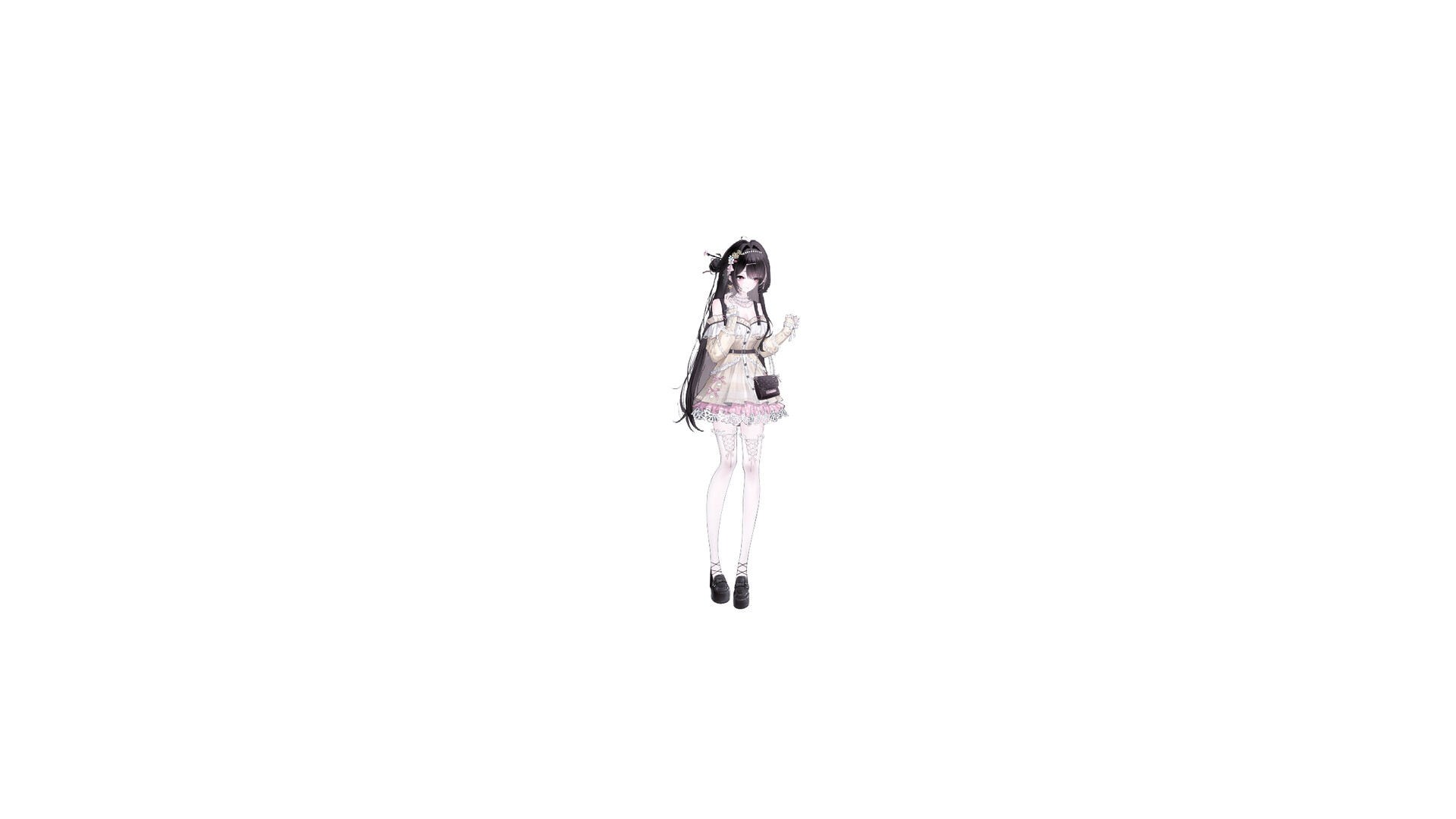
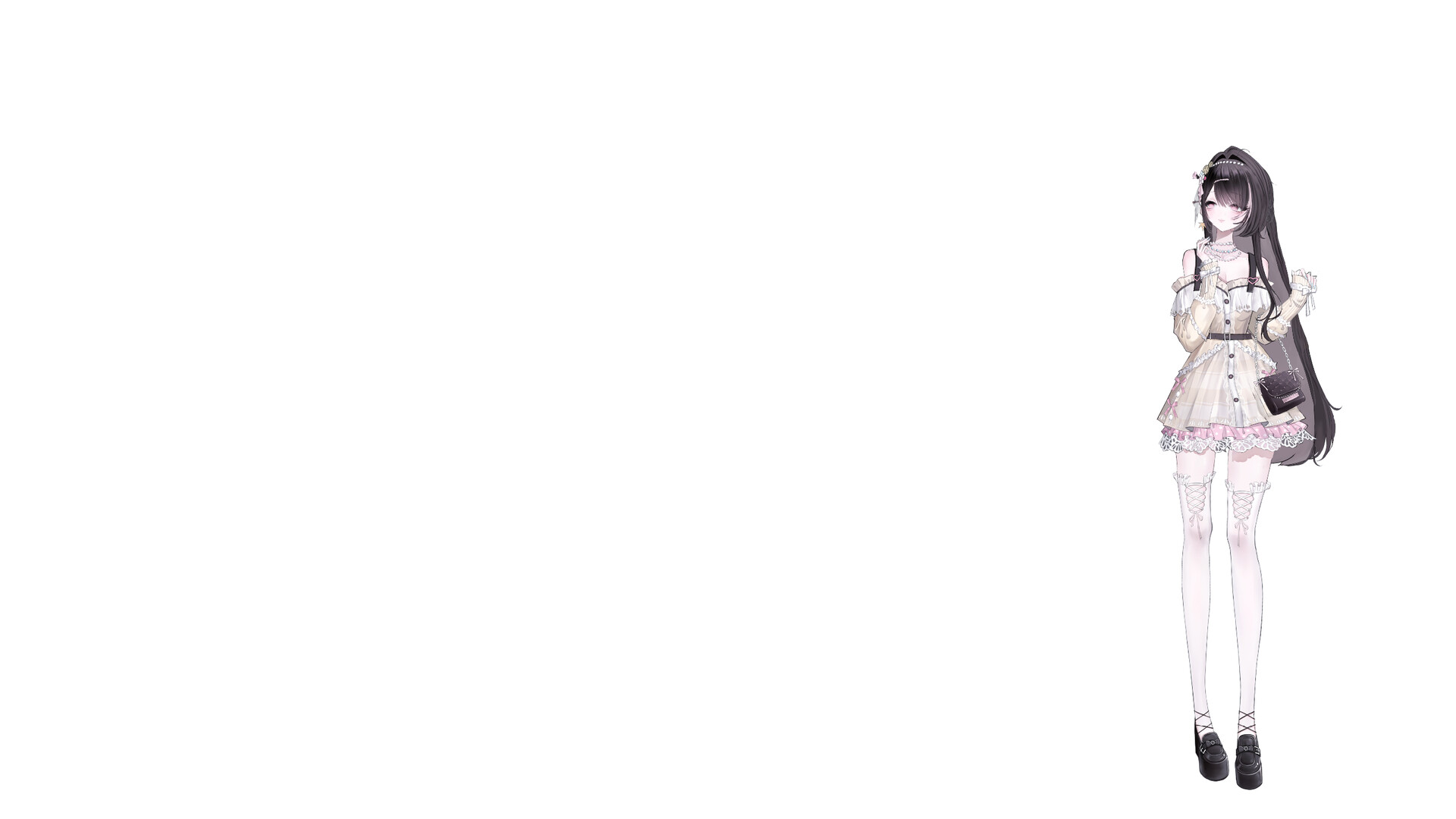
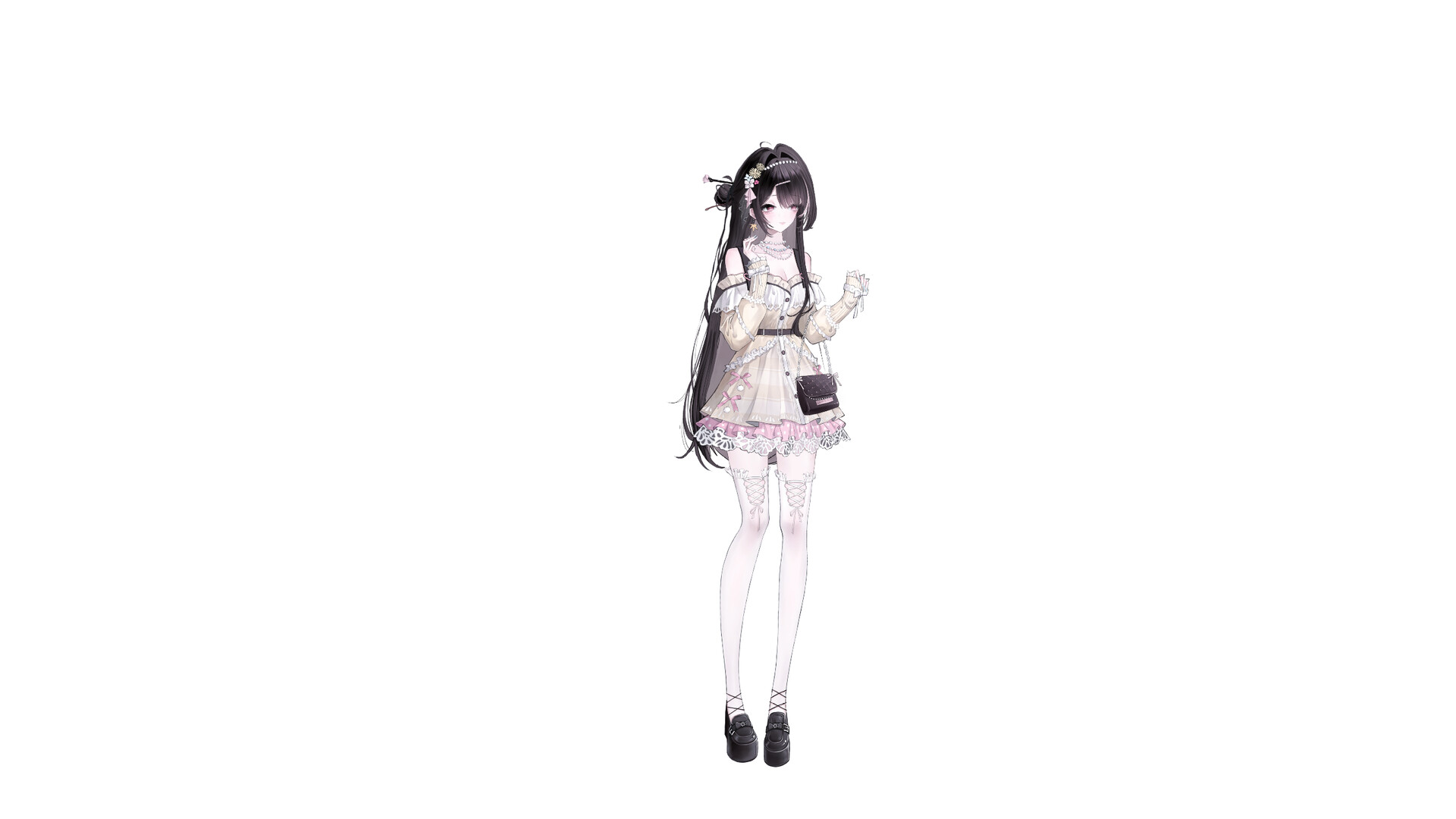
This is a desktop pet game. When launched, she settles into a corner of your desktop and quietly stays by your side while you work, study, browse the web, or relax.
There are no schedules to complete and nothing that interrupts what you are doing. Place her wherever you like, watch her blink and breathe, and see her turn her gaze toward your cursor, adding a little warmth and life to everyday computer time.
A lively, naturally animated character
Real-time gaze: Her head and eyes smoothly follow the direction of your cursor.
Blinking and breathing: Natural idle movement keeps the character from feeling like a static illustration.
Physics-driven movement: Hair and clothing sway gently with her motion.
Detailed at every size: Character rendering is optimized to remain sharp and detailed when enlarged or reduced.
Place her exactly where you want
Hold the character to drag her anywhere on the desktop. Hover over her and use the mouse wheel to resize her from 55% to 450%. Position and scale are saved automatically, and placement can be restored across multi-monitor setups.
Switch between always-on-top and normal window behavior at any time. Keep her in front of your windows, or let her stay behind them when you need to focus.
Quiet companionship without getting in the way
Transparent areas around and inside the character support per-pixel mouse passthrough. Empty spaces between the legs or around strands of hair will not block normal desktop interaction.
When you want every mouse action to pass through the character, enable Lock mode. You can unlock her again from the taskbar icon or system tray menu.
Convenient desktop controls
Drag the character with the left mouse button and resize her with the mouse wheel
Right-click the character to open the quick menu
Use the system tray menu to change settings, switch characters, lock, or exit
Choose whether the taskbar icon is visible
Switch always-on-top behavior at any time
Start automatically with Windows
Automatically save language, position, size, character, and desktop display settings
Single-instance operation prevents duplicate desktop characters from launching
Expand your collection through Steam Workshop
The game includes one built-in desktop pet character and supports additional compatible characters from Steam Workshop.
Browse and search community characters
Subscribe, unsubscribe, and switch directly to downloaded characters
Upload your own compatible desktop character and preview image
Update or delete Workshop characters you published
Validate model structure, file paths, and resource size before publishing
After you subscribe to a compatible Workshop character, Steam downloads it and the character appears in the in-game character selection menu.
Interface localization for more players
The game includes interface localization for 30 languages. On first launch, it reads the Steam game language and, when no separate language is selected, uses the Steam interface language as a fallback. You can change the language later, and your choice is saved.
Small goals alongside the companionship
The game includes 10 Steam achievements, adding a few small mementos to the time your character spends on the desktop.
Whether you are focusing on work, studying quietly, or taking a short break at the end of the day, she stays on your desktop without getting in the way.
Developer
HaHaHaGameAre you the developer? Claim this game