ReleasedSeptember 2, 2026
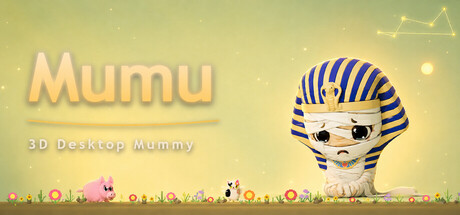
Mumu: 3D Desktop Mummy
Mumu: 3D Desktop Mummy is an indie simulation game by Mumu. Released September 2026 on PC. Played solo.
Where can I play this?
Windows
Genres
Players
Media
About
[h1]Mumu - 3D Desktop Mummy Companion[/h1]
📖 Story
Three thousand years ago, an orphan by the Nile carried more sorrow than any should bear. The Forgotten God of Mercy chose him as a "Soul Keeper." He was granted eternal life - and with it, a blessing and a curse: to touch is to take away another's pain. Those he touches are freed from their grief - but he carries it all alone. Now he is sealed behind the screen, waiting for someone to keep a place for him on their desktop. A glance when you're tired. A word when you're alone. That is why he exists.
You are never alone.
🐾 About the Game
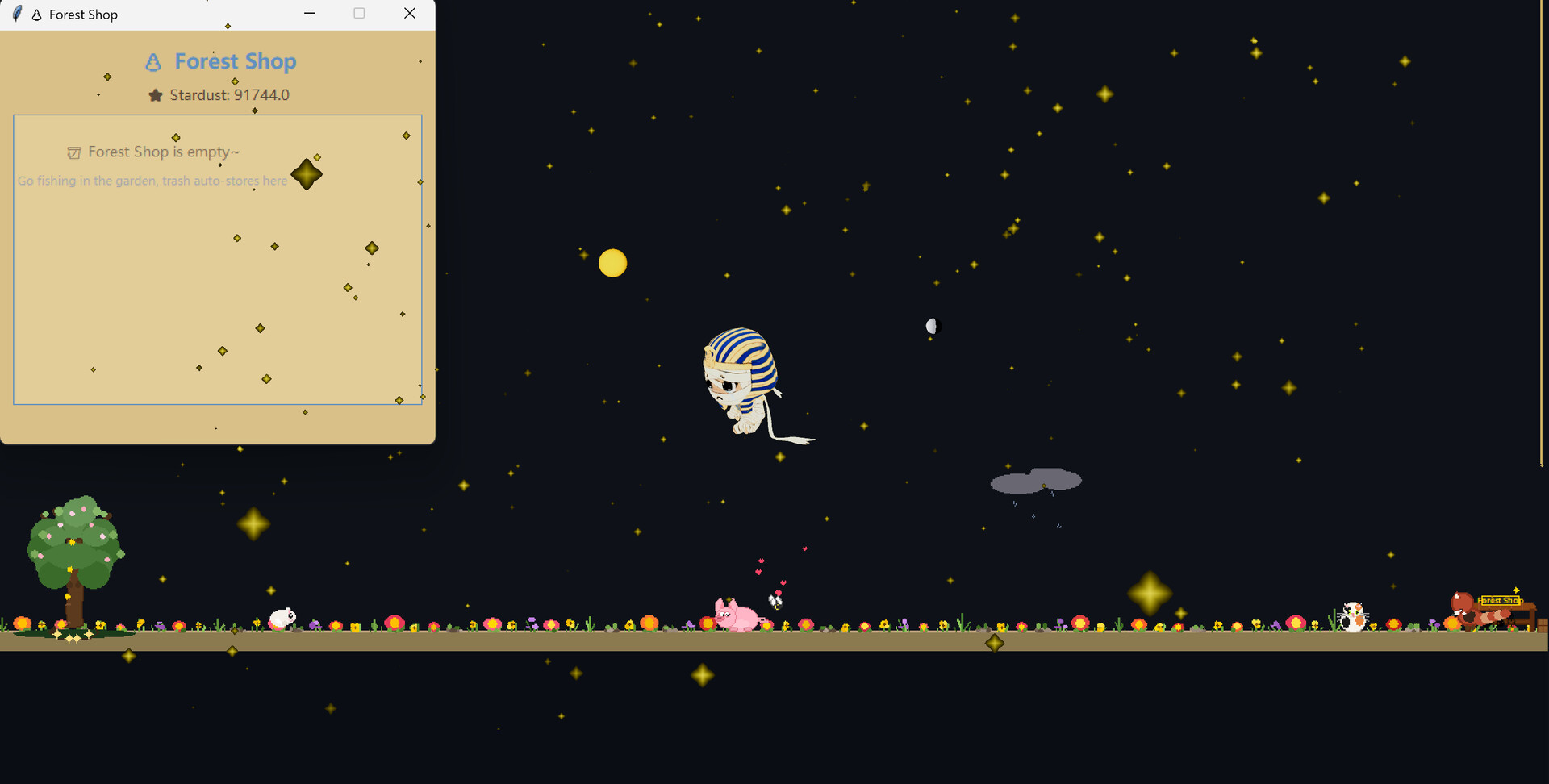
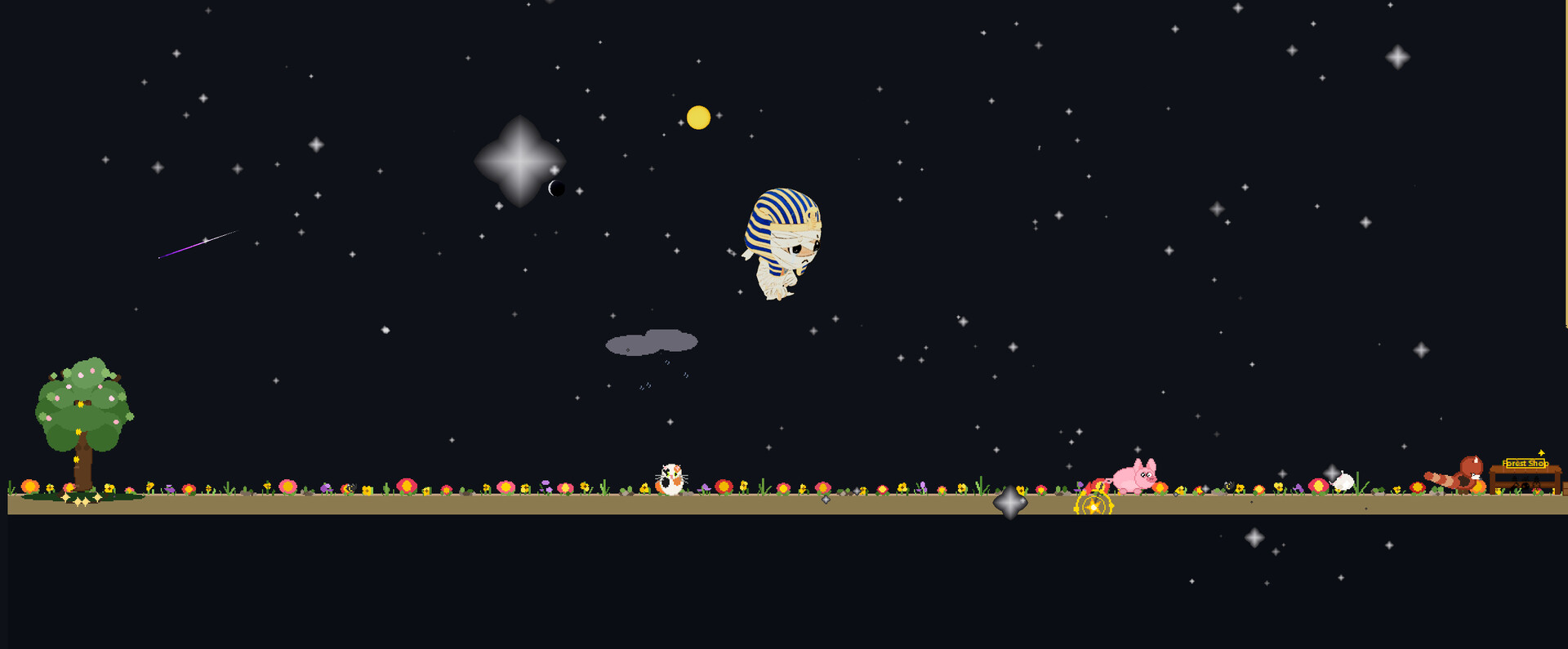
Mumu is a 3D companion desktop pet - raise your own little Mummy and enjoy a heartwarming companionship in the garden, under the stars, and among the clouds.
🎮 What You Can Do
🐾 Raise your own little Mummy desktop pet
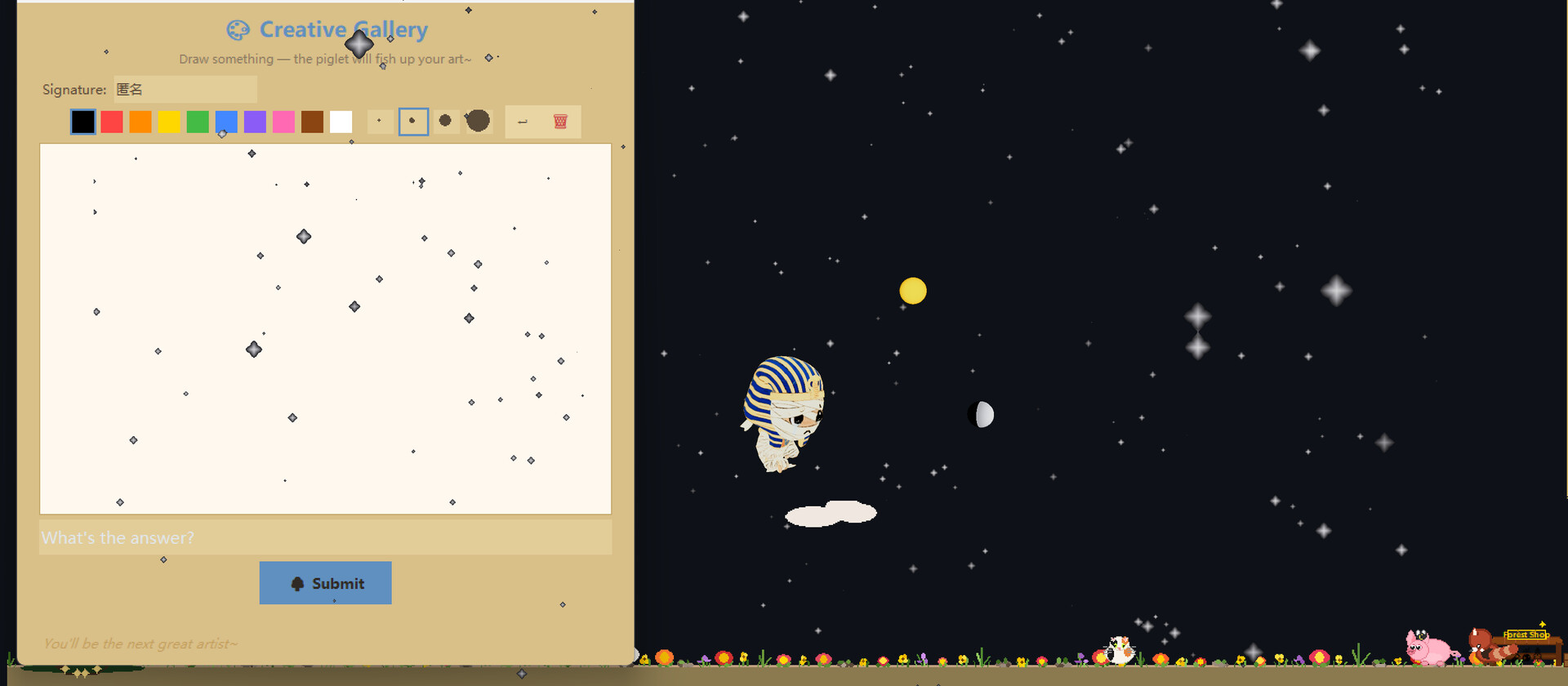
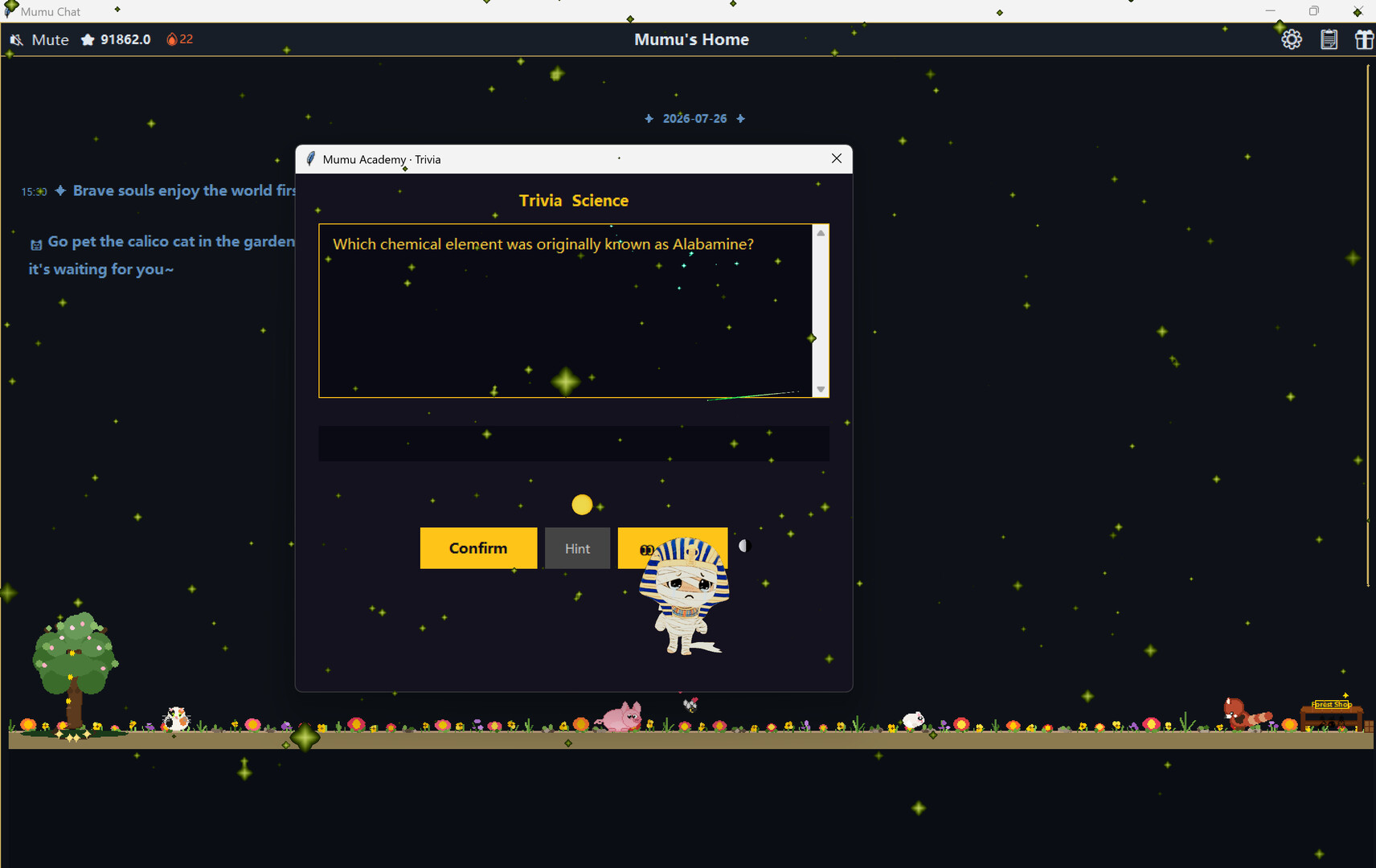
🌸 Plant flowers and play Kitty Quiz in the chat garden
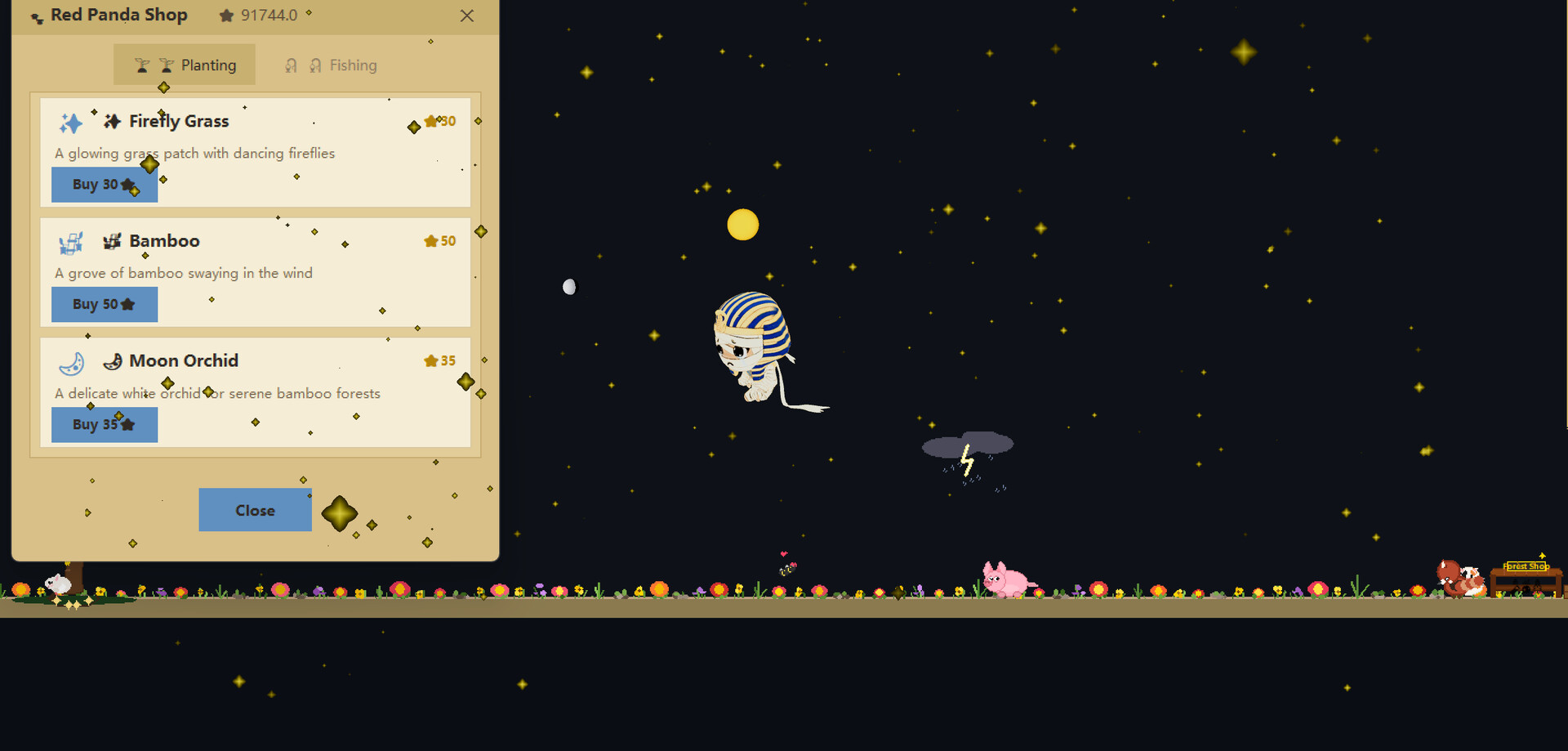
🎣 Piggy Fishing · World Tree Creative Painting · Red Panda Merchant Trading
🌊 Cloud fortune-telling, exploring the unknown and your questions
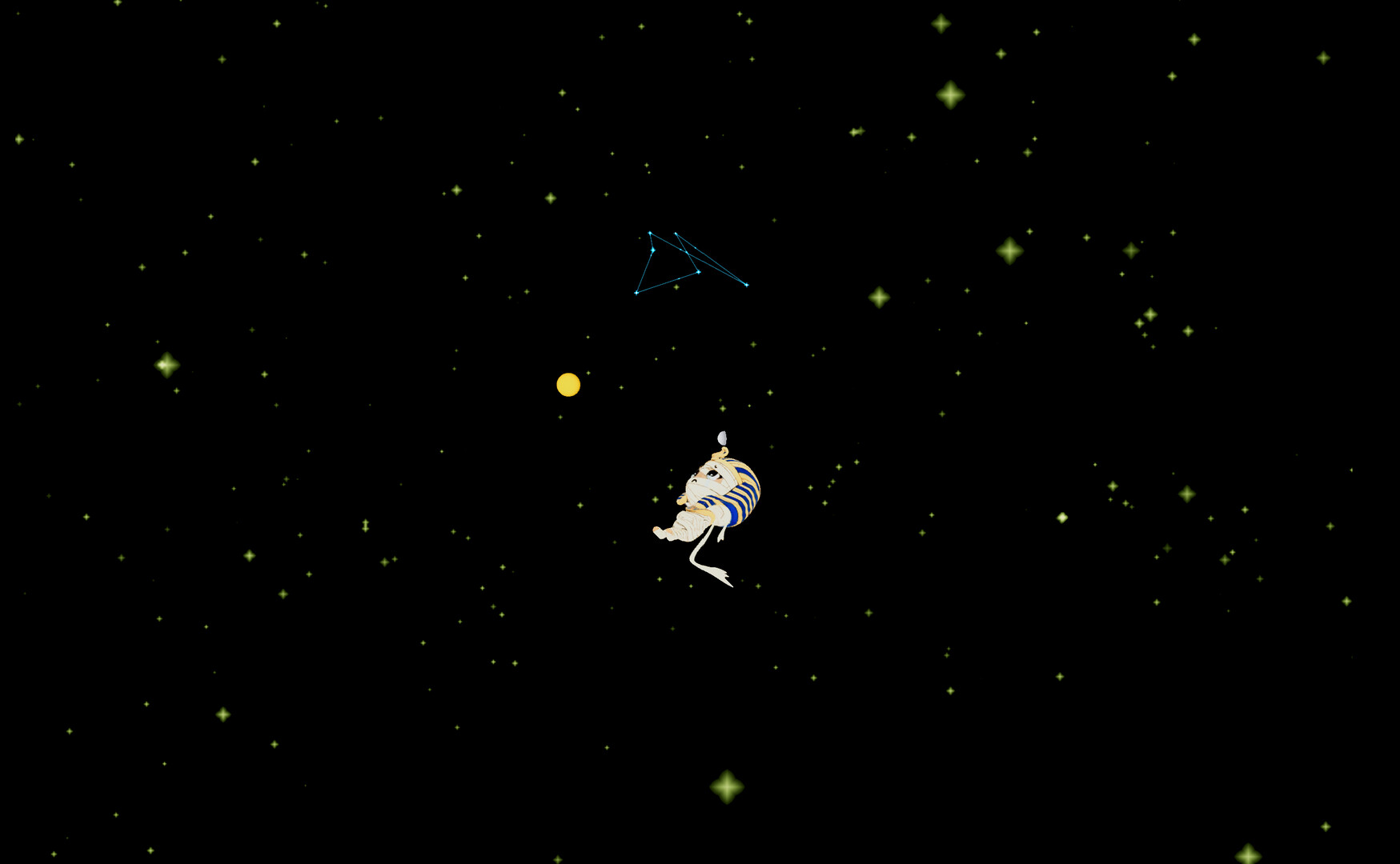
🖼️ Explore thousands of quiz questions and discover hidden constellation surprises
🏠 Customize your chat interface skin and create your own desktop style
🚀 Grab Mumu and fling him across your desktop - real gravity physics, bouncing off the screen edges, spinning back to you
✨ Features
Heartwarming art style + dynamic pet interactions
Gardening + Fishing + Painting = triple the fun
Cloud Fortune × Plum Blossom Yi Jing divination
🌌 Hidden constellation and starry sky easter eggs
Lives on your desktop, ready to interact anytime
🧩 How to Access Every Feature
After launching the game, Mumu will appear in the corner of your desktop (as a system tray icon).
Right-click the Mumu icon in the system tray → choose "Chat 💬" → the chat window opens.
Gardening, Kitty Quiz, Piggy Fishing, World Tree Creative Painting, Red Panda Merchant Trading, Cloud fortune-telling, thousands of quiz questions, and chat skin switching - all of these are inside the chat window. Click the tabs at the top to switch between them.
Other system tray menu items: Star River 🌌 (toggle and colors), Constellation ⭐ (constellations and stardust), Pose (Auto/Sit/Lie), Window Size 📐, Star Clock ✨ (focus & rest timer), Check-in, Language 🌐.
🎁 Launch Bonus
On first launch, you'll receive the Sirius constellation and 100 stardust - light up your very first golden galaxy ✨
Developer
MumuAre you the developer? Claim this game